Documentation Index
Fetch the complete documentation index at: https://langchain-5e9cc07a-preview-lginte-1765488813-6406a61.mintlify.app/llms.txt
Use this file to discover all available pages before exploring further.
Sharing a trace publicly will make it accessible to anyone with the link. Make sure youâre not sharing sensitive information.If your self-hosted or hybrid LangSmith deployment is within a VPC, then the public link is accessible only to members authenticated within your VPC. For enhanced security, we recommend configuring your instance with a private URL accessible only to users with access to your network.
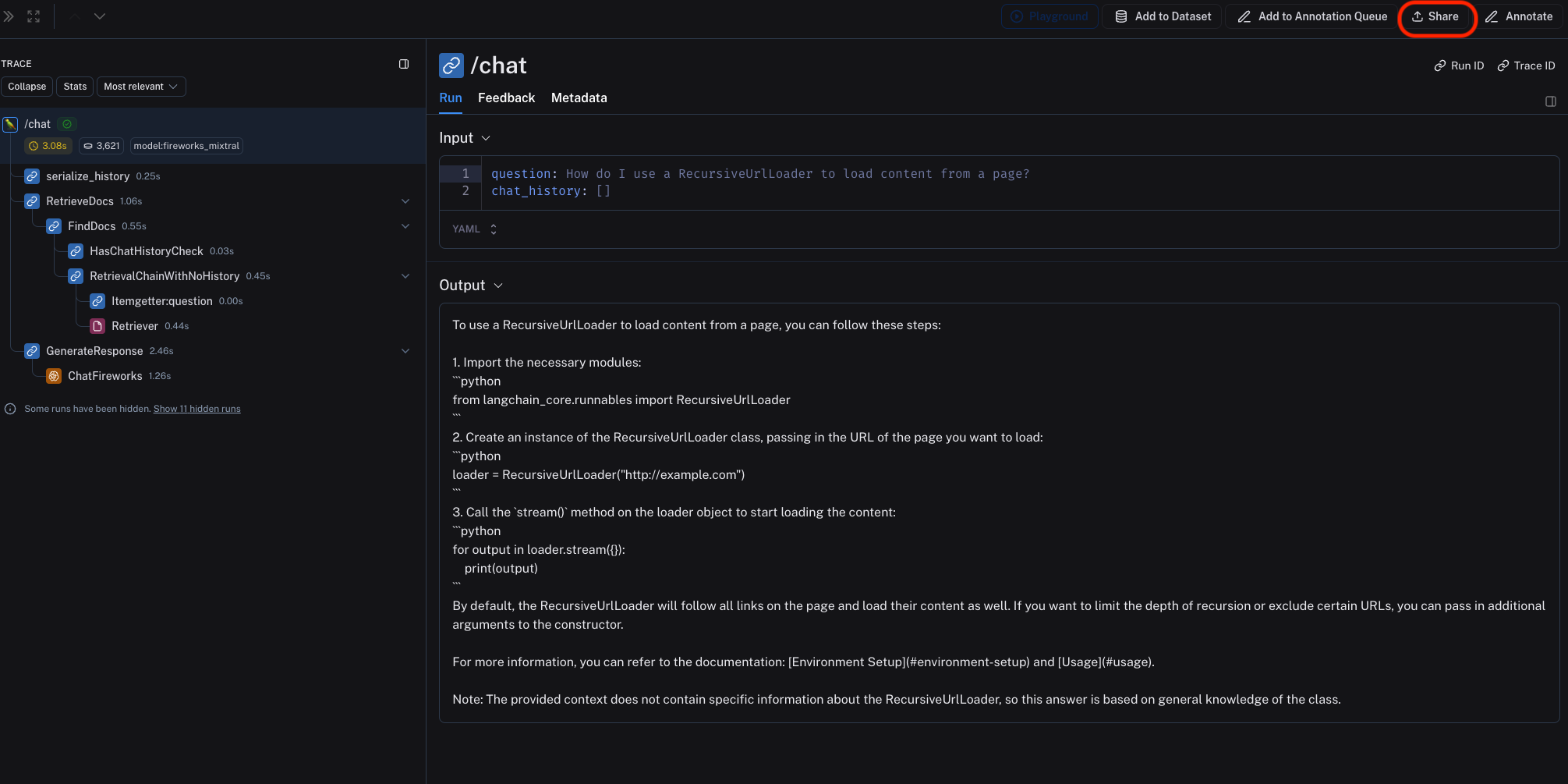
To share a trace publicly, simply click on the Share button in the upper right hand side of any trace view.
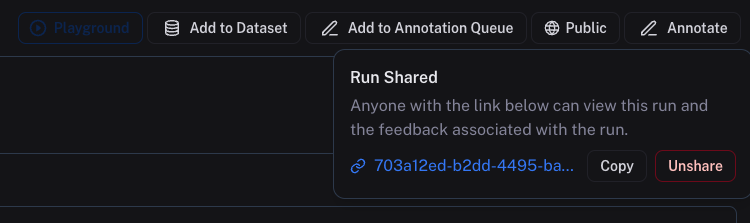
This will open a dialog where you can copy the link to the trace.
Shared traces will be accessible to anyone with the link, even if they donât have a LangSmith account. They will be able to view the trace, but not edit it.
To âunshareâ a trace, either:
-
Click on Unshare by clicking on Public in the upper right hand corner of any publicly shared trace, then Unshare in the dialog.
-
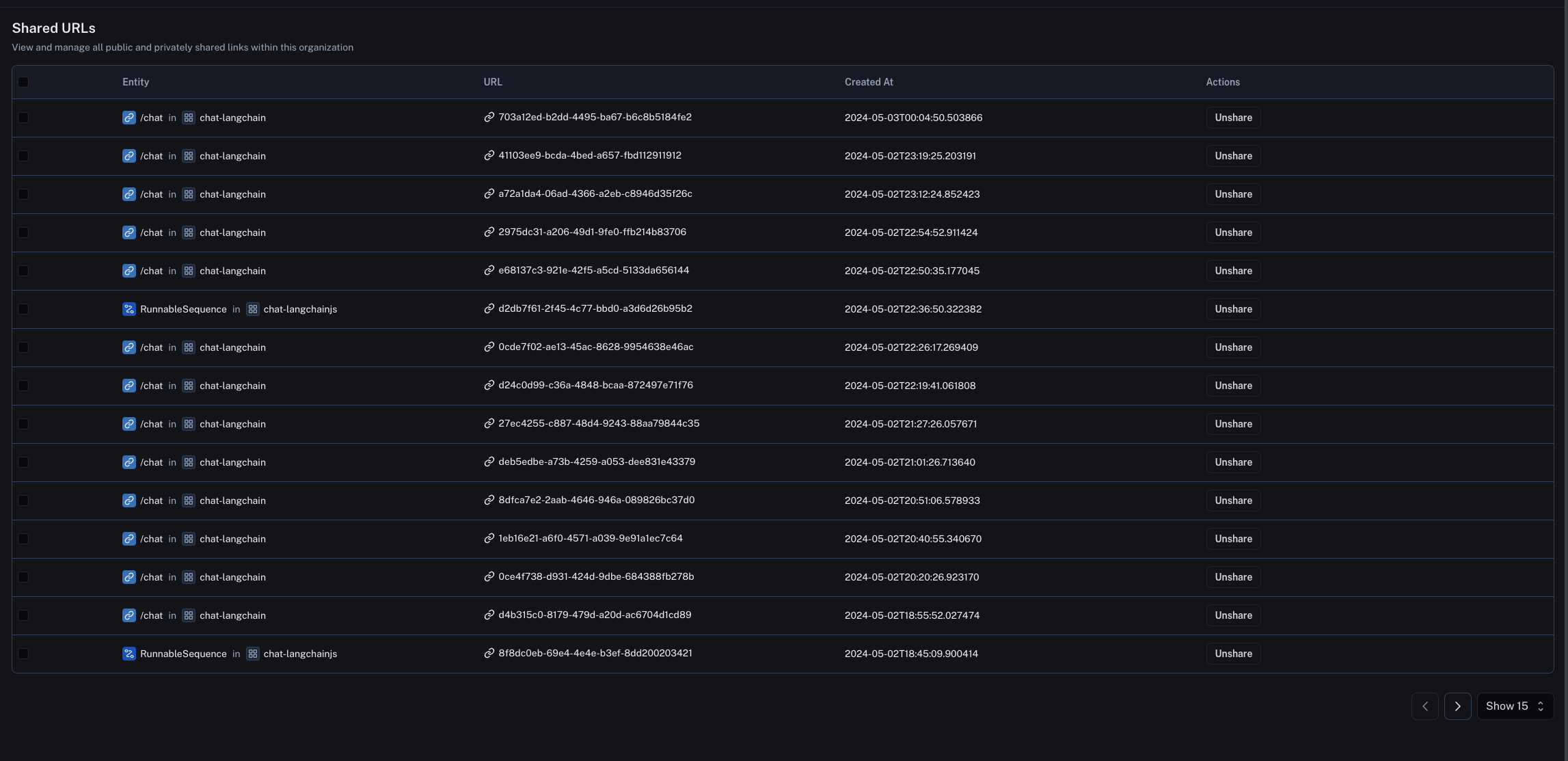
Navigate to your organizationâs list of publicly shared traces, by clicking on Settings -> Shared URLs, then click on Unshare next to the trace you want to unshare.